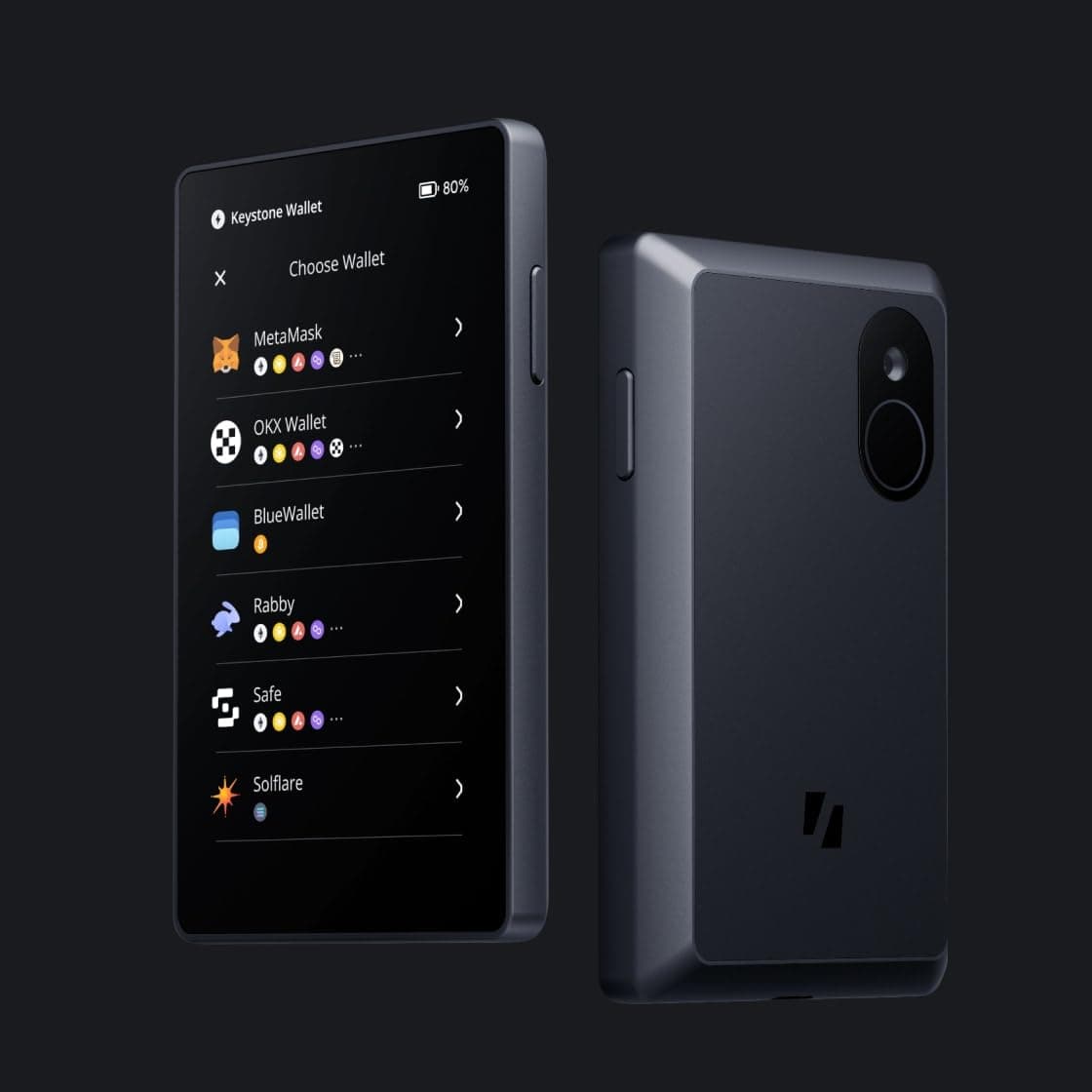
The Keystone Pro is an air-gapped hardware wallet from Chinese manufacturer Keystone, notable for its fully open-source firmware and commitment to security transparency. At $139 MSRP, the Keystone Pro occupies a similar price point to the BitBox02 and offers comparable security features with the addition of a genuine air-gap architecture. The device supports QR code communication for completely offline transaction signing, making it a serious contender for users who prioritize open-source verification and network isolation.
First Impressions: Build Quality and Design
The Keystone Pro arrives in minimal packaging with a device that feels solid and well-engineered. The 4-inch color touchscreen dominates the front face — large, clear, and responsive to touch. The interface uses modern icon-driven navigation with smooth animations that make the device pleasant to use compared to button-based competitors.
The body is constructed from polycarbonate with a matte finish that resists fingerprints and scratches. At 97 x 62 x 12mm, it is similar in size to the Ellipal Titan 2.0 — substantial, but not unwieldy. The device includes a 3.5mm audio jack for audioQR communication, an alternative to camera-based QR scanning that some users may prefer for its reliability.
Security Architecture
The Keystone Pro uses a secure element (EAL5+ certified) for private key storage, isolated from the main processor. The firmware is fully open-source — available on Keystone’s GitHub repository — meaning the complete security implementation can be audited by security researchers worldwide.
The air-gap implementation uses QR codes for transaction data exchange. A transaction created on your internet-connected device generates a QR code. Scan this with the Keystone Pro camera. The device displays transaction details on its screen for your verification. Approve with your PIN. The Keystone Pro generates a QR code containing the signed transaction. Scan this with your internet-connected device to broadcast to the network.
One distinctive feature: the Keystone Pro supports Shamir Secret Sharing for backup, enabling sophisticated backup configurations that no other device at this price point offers. This is a meaningful feature for users with high-value holdings who want distributed key management.
Setup Process
Setting up the Keystone Pro requires installing the Keystone app (available for iOS, Android, and desktop). The app handles internet communication while your private keys remain on the device.
Initialize with a fresh 24-word seed, verify the recovery phrase on the device screen, set a PIN, and configure any additional security features like duress PIN or auto-wipe. The device supports fingerprint authentication as an optional secondary factor.
Supported Cryptocurrencies
The Keystone Pro supports Bitcoin, Ethereum, and over 100 other cryptocurrencies. The coin support is more comprehensive than the Ellipal for obscure altcoins, though still less than Ledger or Trezor’s full list.
Multi-signature support is a standout feature — the Keystone Pro can participate in multi-signature wallets with up to 15-of-15 configurations, useful for organizational custody or enhanced personal security configurations.
Comparison with Competitors
vs BitBox02: Both devices are priced at $139 and use certified secure elements with open-source firmware. The Keystone has an air-gap QR code architecture where the BitBox02 uses USB. The Keystone has a color touchscreen where the BitBox02 has a smaller monochrome OLED. The Keystone supports multi-signature; the BitBox02 Bitcoin-only edition does not.
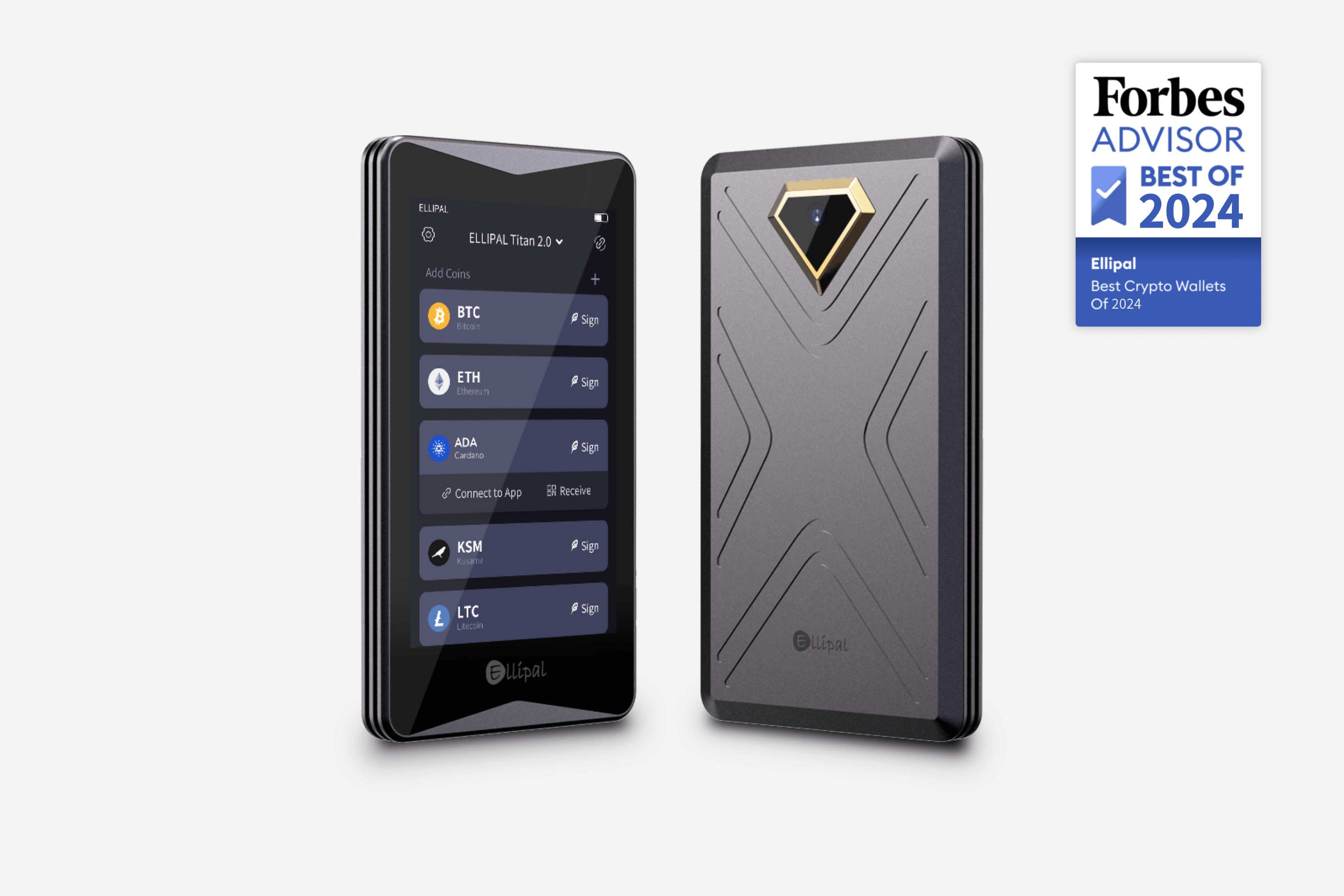
vs Ellipal Titan 2.0: Both implement air-gap architectures with QR code communication. The Ellipal has a metal body with IP65 rating; the Keystone has polycarbonate with fingerprint authentication. The Ellipal has been on the market longer and has a more established track record.
vs Coldcard Mk5: Both are open-source and air-gap capable. The Coldcard uses microSD for transaction transfer; the Keystone uses QR codes. The Keystone has a touchscreen; the Coldcard has a smaller OLED. The Coldcard has more extensive Bitcoin-focused features; the Keystone has broader cryptocurrency support.
Pros and Cons
Pros:
- Fully open-source firmware with EAL5+ secure element
- Air-gap QR code architecture for complete network isolation
- 4-inch color touchscreen with modern UI
- Shamir Secret Sharing support
- Multi-signature up to 15-of-15
- Fingerprint authentication option
Cons:
- Air-gap workflow slower than USB-connected alternatives
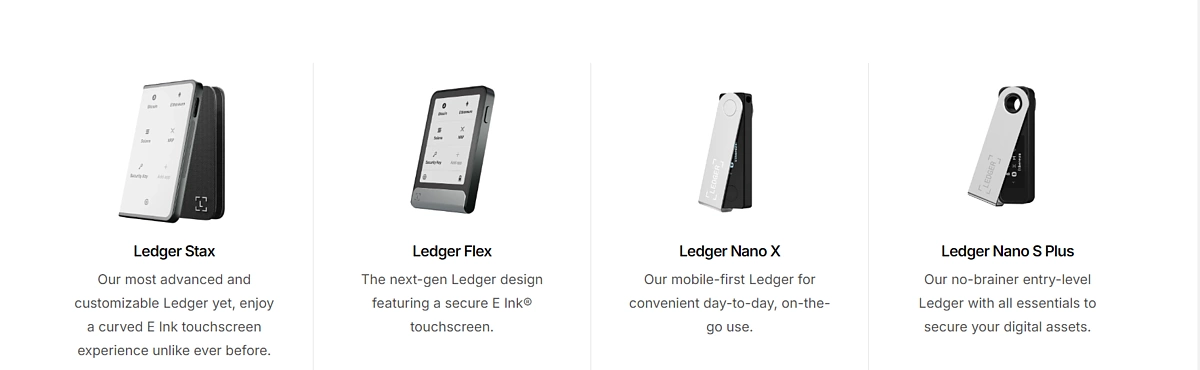
- Less established brand track record than Ledger or Trezor
- Coin support still less comprehensive than market leaders
Is the Keystone Pro Right for You?
The Keystone Pro is an excellent choice for users who want open-source firmware with genuine air-gap security and are willing to try a newer brand with a shorter track record. Its multi-signature support and Shamir Secret Sharing make it particularly suitable for users with complex custody requirements.
Shop Keystone: Buy Keystone Pro at Keystone.io
This article is part of our Hardware Wallet Security Cluster — the most comprehensive security resource online. → Read the Full Security Guide → Most Secure Wallets Ranking